Amp Impact has been enhanced with Orion, the latest release focused on improving user experience and strengthening workflows. The name “Orion” is inspired by the legendary hunter in Greek mythology, symbolizing clarity and guidance, which are key aspects of this update. Orion also comes with some bug fixes for existing Amp Impact features.
New Features of Orion
Simplify the Process of Creating Child Framework Objectives: Building hierarchical results frameworks has become easier with the ability to quickly create child framework objectives directly via an action menu in the Manage Logframe Lightning Web Component table.
Customizable Project Indicator Display in Set Targets and Add Results Tables: Amp Impact users can now control which project indicators are displayed, using the new “Display On” field to choose whether an indicator shows in either table, both, or neither.
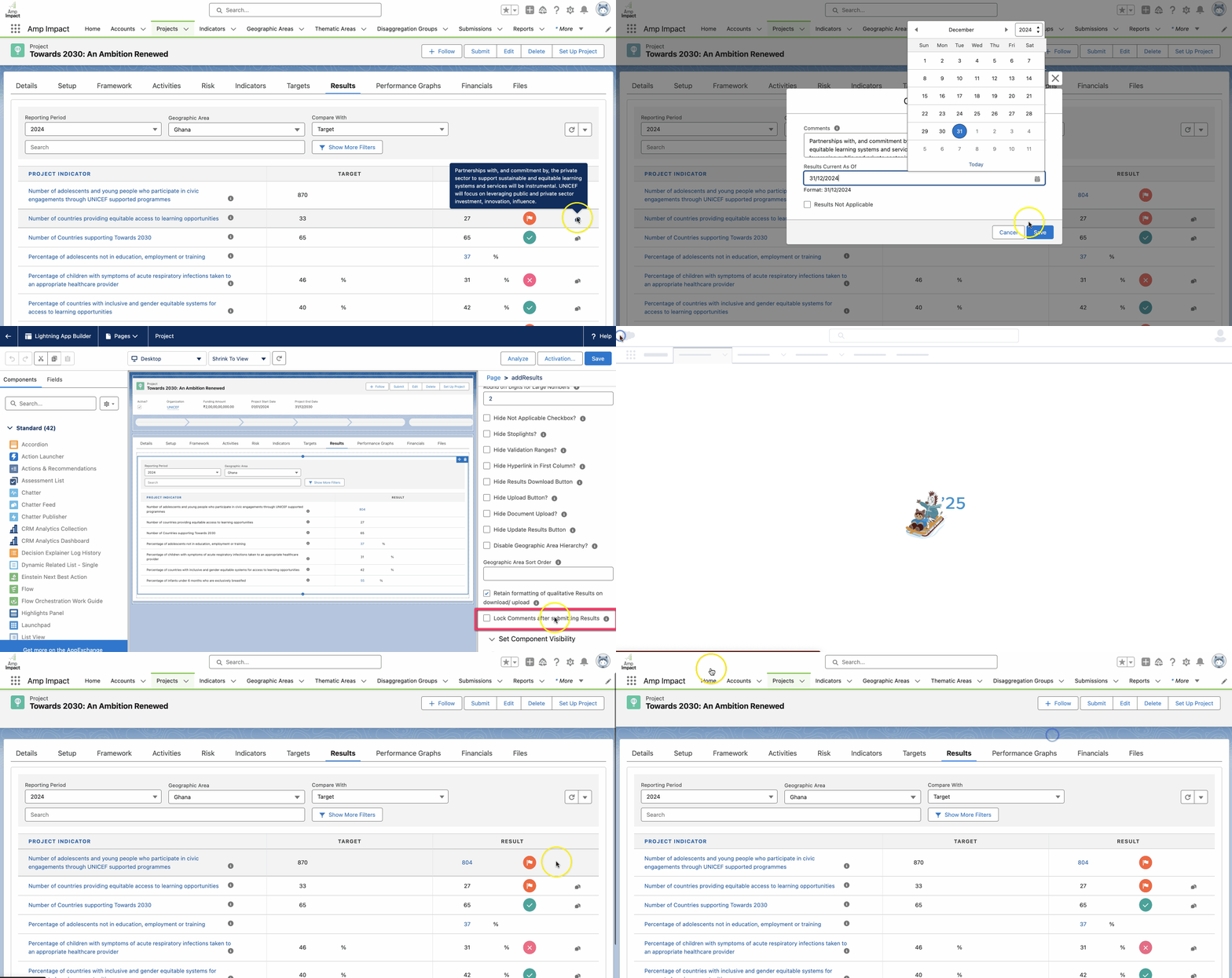
Lock Comments After Target/Baseline and Result Submission: System administrators can now lock comment fields for targets, baselines, and results once submitted, making them read-only to keep data accurate and consistent.
Customizable Sorting for Project Indicator Objectives: System Administrators can now set custom sort orders based on fields in the Project Indicator object, improving navigation.
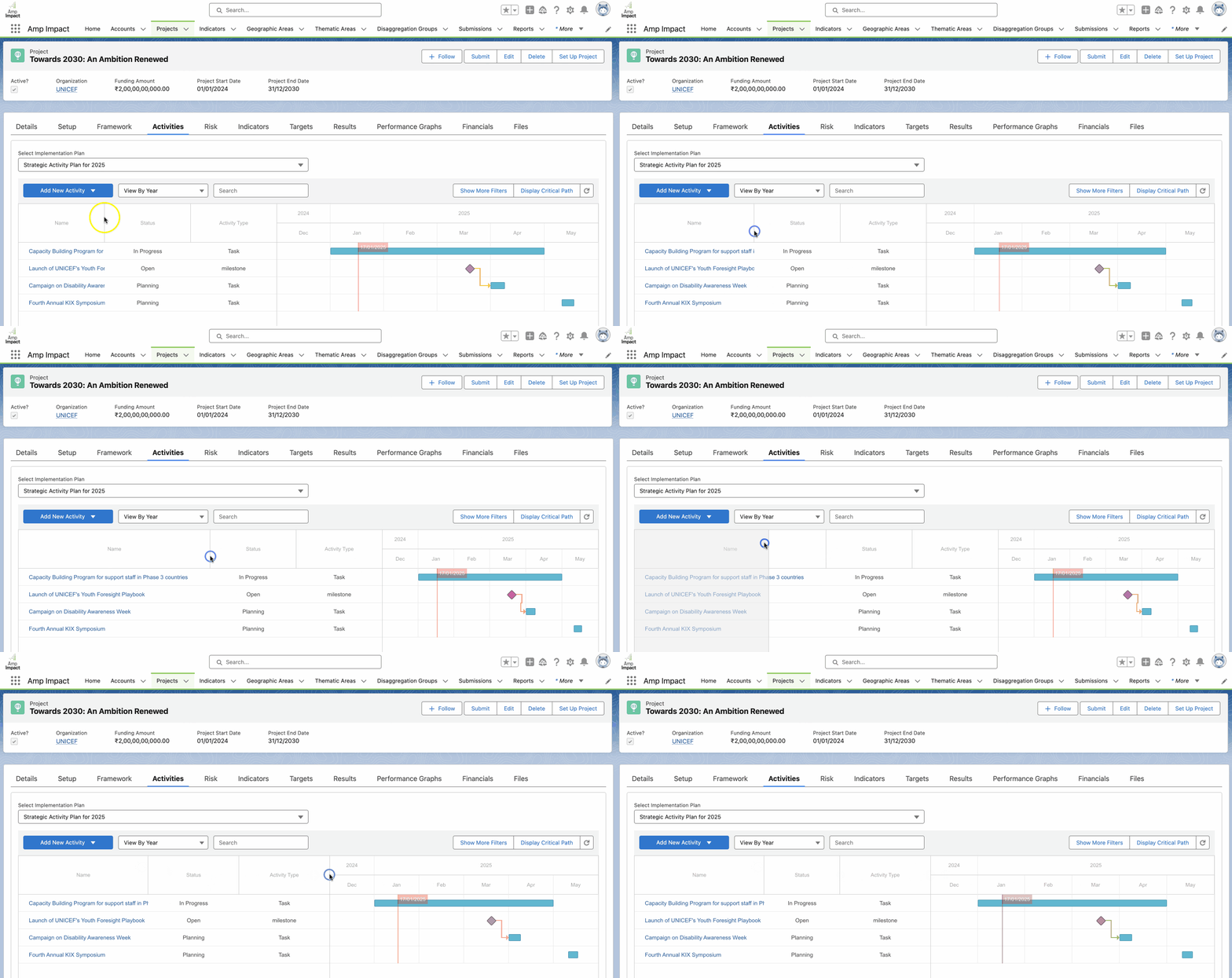
Resizable Column Widths in the Activity Table: The Activity LWC table now allows users to adjust column widths, improving readability for fields with longer text entries.
Consistent Activity Sorting in Implementation Plan Excel Template: Orion brings consistency to activity sorting across both the downloaded Excel template and the Activity LWC Table (Gantt Chart), now sorted by earliest start date in both views. View the video below to understand Orion’s latest feature enhancements.
For Existing Amp Impact Customers
If you are seeking to upgrade your system to Amp Impact Orion and need support, please reach out to your Customer Success Manager for more information, or contact us via support@verasolutions.org.